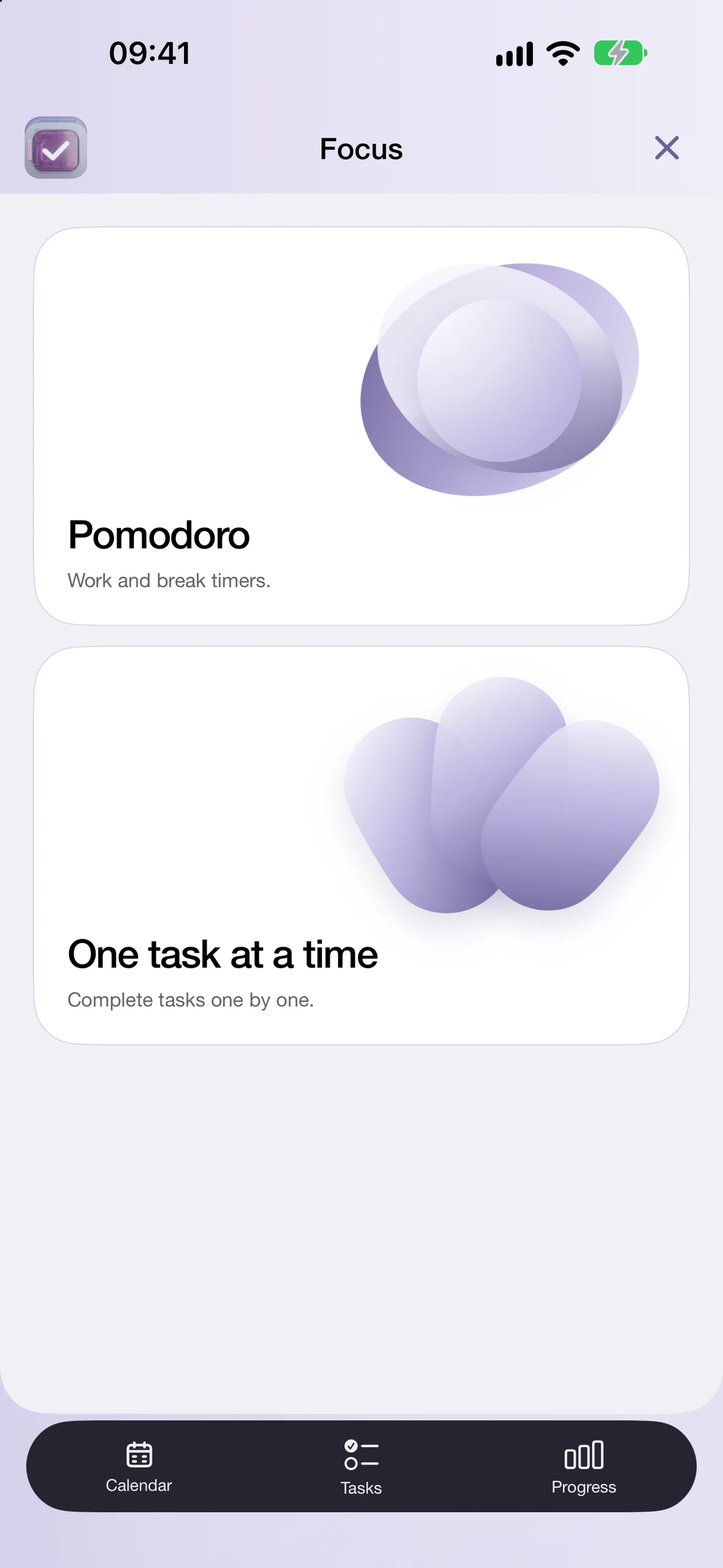
Pomodoro presets, custom timers and One task at a time
Optional task or event attachment for Focus sessions
Segmented or layered progress bars and Day Signal controls
Widgets, Live Activities and Apple Watch
Renews automatically until cancelled. Apple confirms any eligible introductory offer in the app.
Pro renews monthly or annually at the full price shown in the App Store until cancelled. If you choose a trial, cancel at least 24 hours before it ends to avoid renewal. Any offer and its exact terms are confirmed by Apple. Subscription conditions.
App features
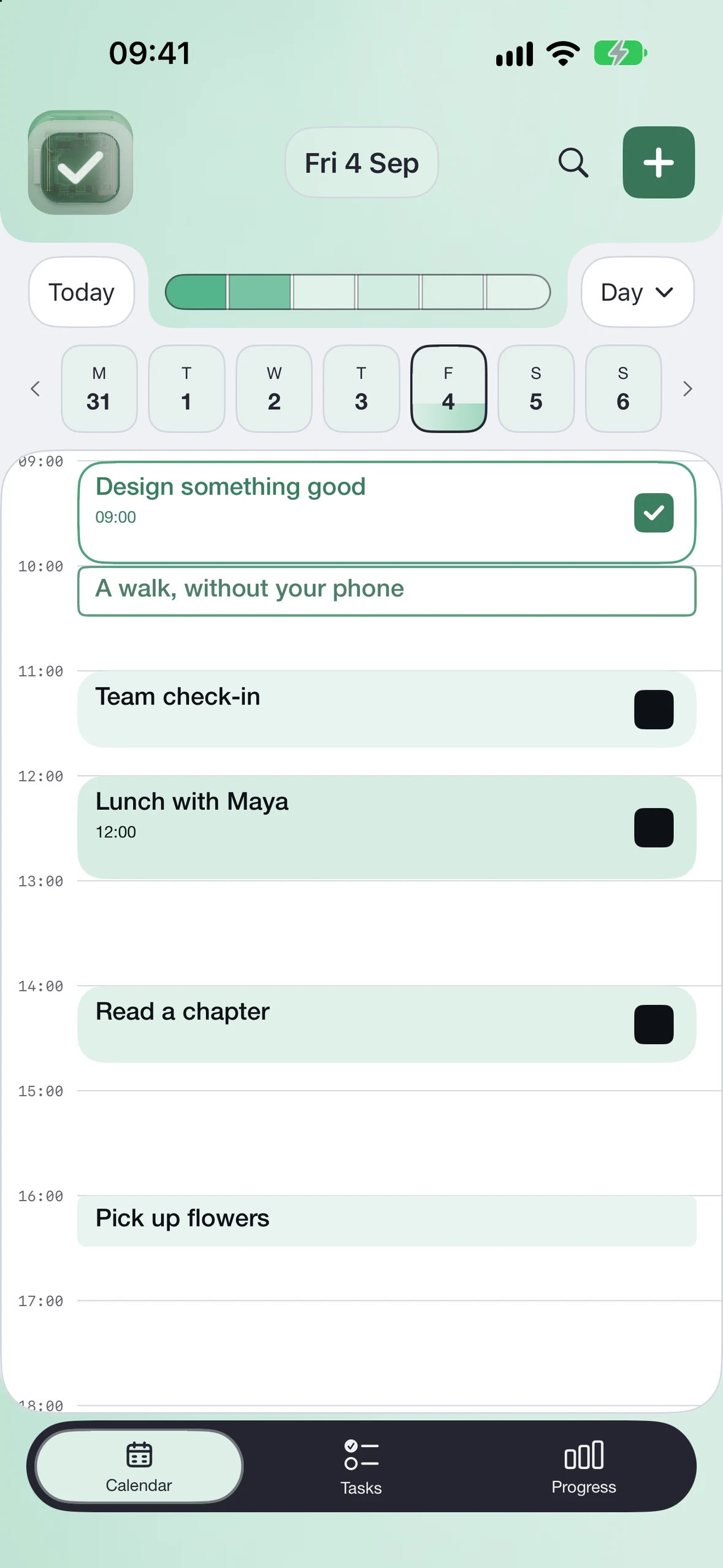
CALENDAR
Check off your plans.
See your schedule and mark events complete as you finish them.
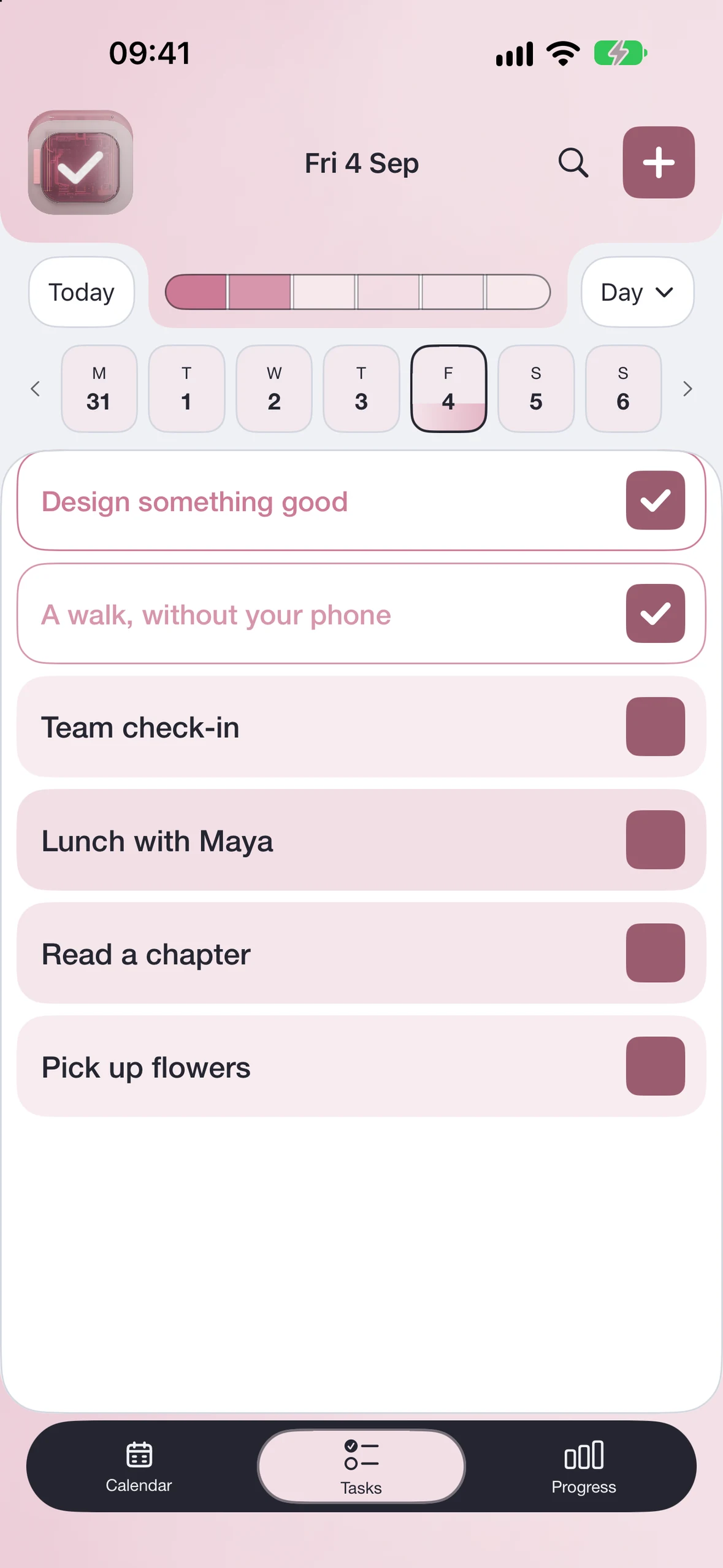
TASKS & LISTS
Work through your lists.
Organise tasks into lists and break bigger pieces of work into subtasks.
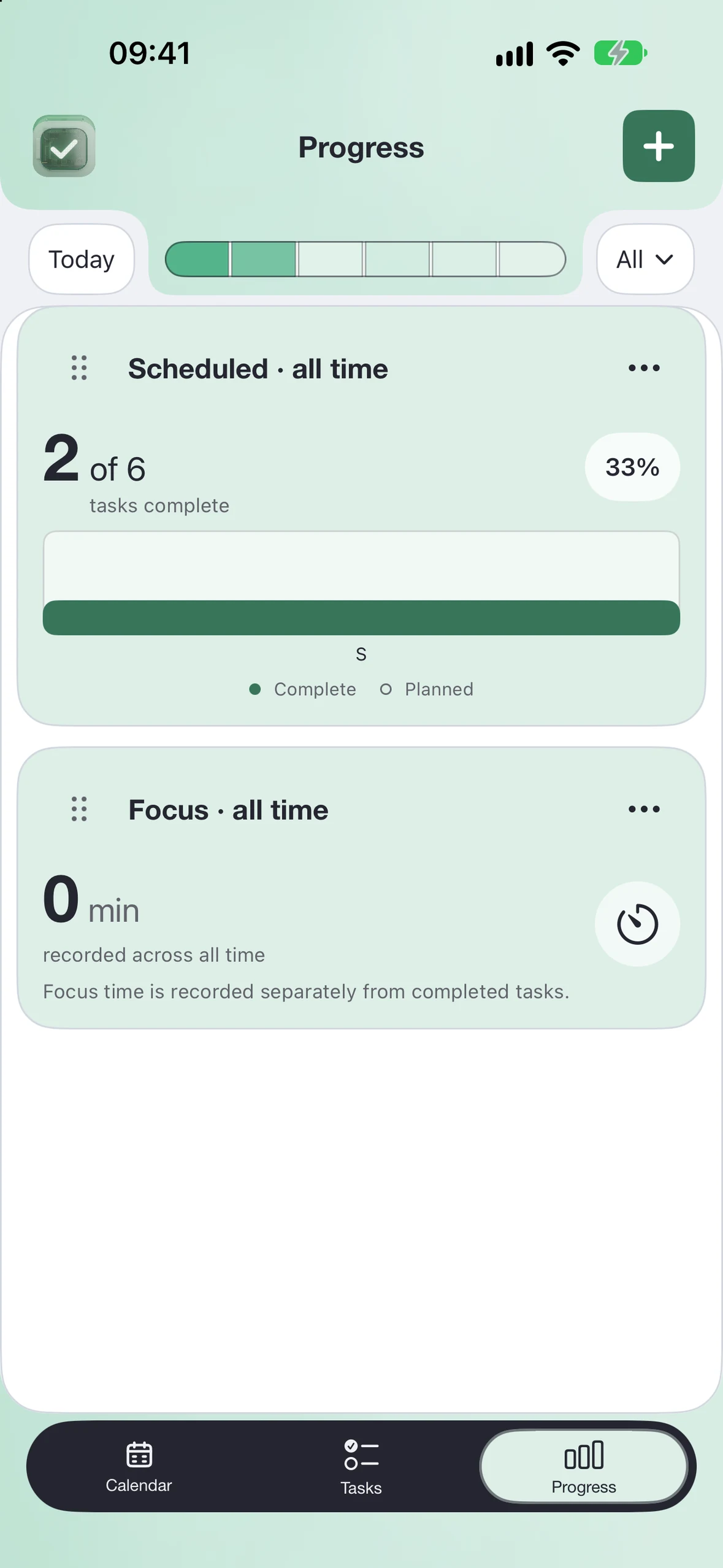
PROGRESS · PRO
Measure your progress.
Follow weekly goals, project milestones and the time you spend focusing.
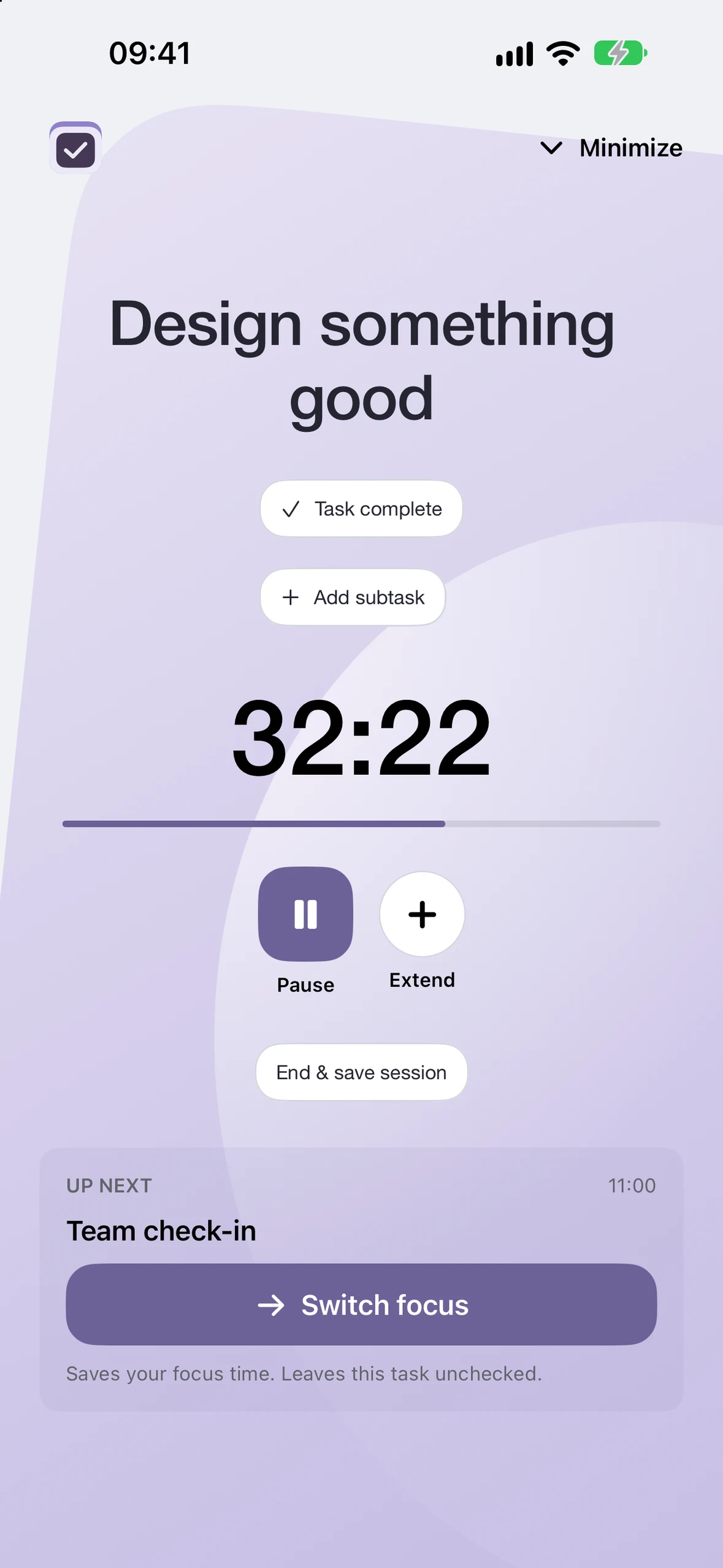
PRO
Work in focused sessions.
Choose Pomodoro or custom work and break intervals. Use a countdown, stopwatch or hidden clock, or switch to One task at a time.
Countdown
Focus choices
Track your goals, time and achievements.
Weekly target
Set a weekly goal and count completed recurring tasks or actions you log.
Subtask progress
See how many subtasks you’ve finished and what’s next.
Wins
Keep a dated record of achievements you want to remember.
Time invested
See the time you’ve spent in Focus sessions this week or month.
Number
Record a value you want to track and see what changed since your last entry.
Compare features.
Done Cal access comparison
Feature
Preview
Core
Pro
Day, week, month & schedule views
Included
Included
Included
Checkmarks, undo & optional haptics
—
Included
Included
Tasks, lists & subtasks
—
Included
Included
Search, editing, rescheduling & calendar views
—
Included
Included
Private completion & postponement sync
—
Included
Included
Linked Progress cards & Day Signal
—
—
Included
Pomodoro, custom timers & One task at a time
—
—
Included
Segmented or layered progress bars
—
—
Included
Widgets, Live Activities & Apple Watch
—
—
Included
Core access after Pro expires
—
Kept if bought
Separate Core purchase required
Purchase questions
Is Done Cal free?+
The app provides a read-only preview. Checking off your own events requires Core or an active Pro subscription. Core is a one-time purchase; Pro is a monthly or annual subscription that includes Core access while active. Download availability and live prices are confirmed in the App Store.
Do I need to buy Core before Pro?+
No. An active Pro subscription includes Core access. If you separately purchase Core, that permanent unlock remains when Pro ends, unless the Core purchase is refunded or revoked.
Is there a free trial?+
If you’re eligible, Apple shows the offer, duration and full renewal price before you buy. Trials depend on your account and the selected Pro plan.
What happens when Pro ends?+
Pro features stop when access expires. A separate Core purchase remains. Ending Pro does not erase your calendar or Done Cal data. Deleting the app does not cancel a subscription.