 Calendar
Friday, 4 September

A calendar you can check off.
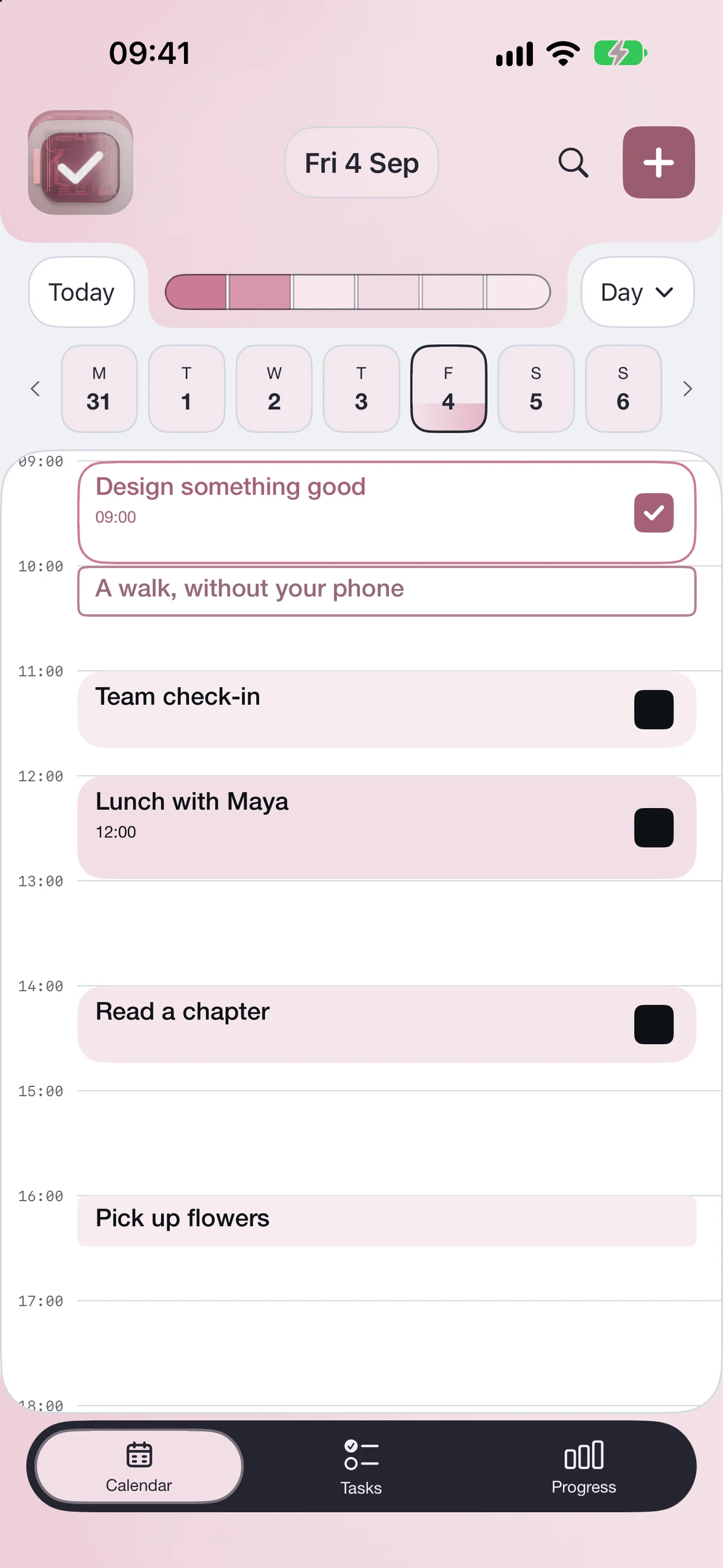
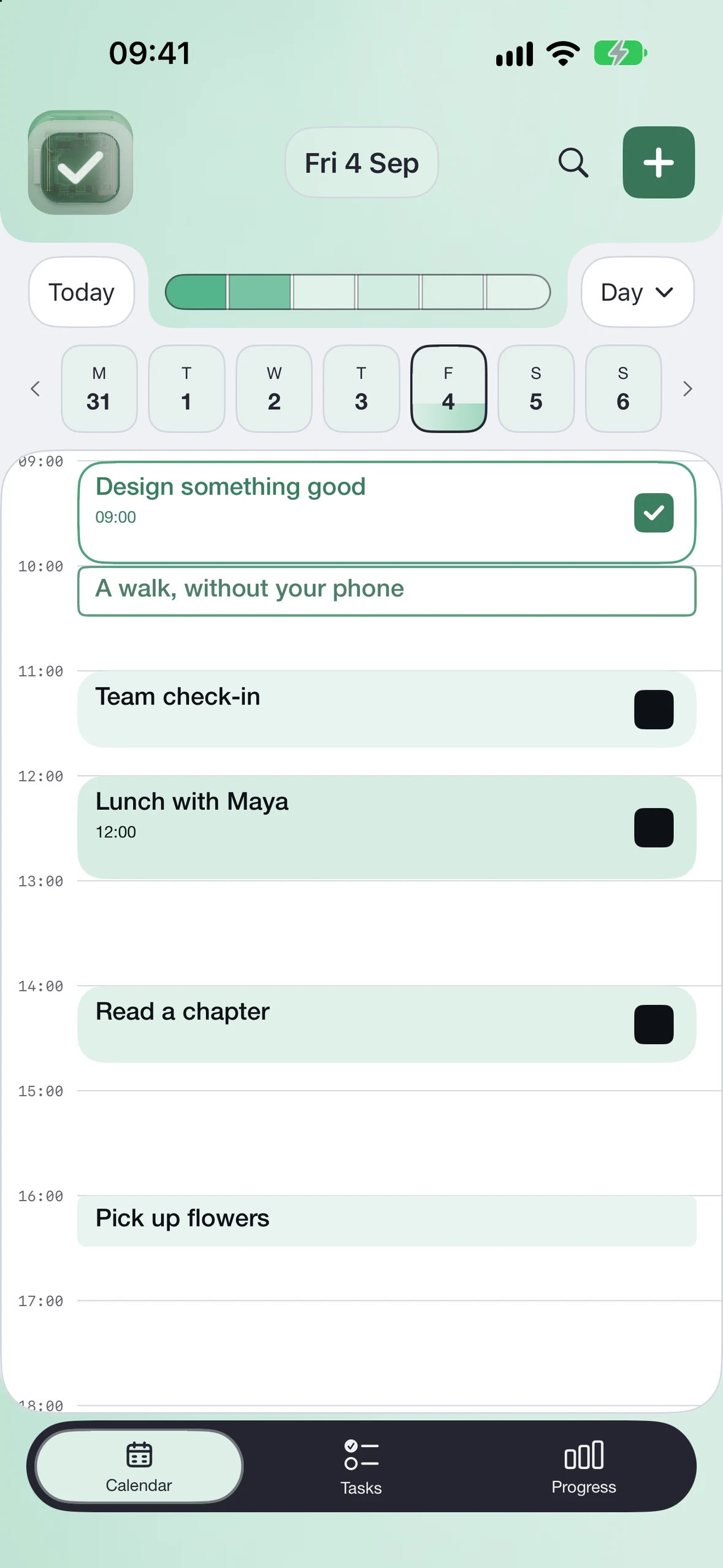
Calendar preview
 Fri 4 SepTRY IT
2 / 6 tasks complete
Check off an event to update the day’s progress.

Use the calendars you already plan with. Check off events as you finish them and watch your daily progress fill in.
See supported calendars ↗
Organise tasks into lists, add subtasks, and check off each step as you finish.
TasksExamplePRO

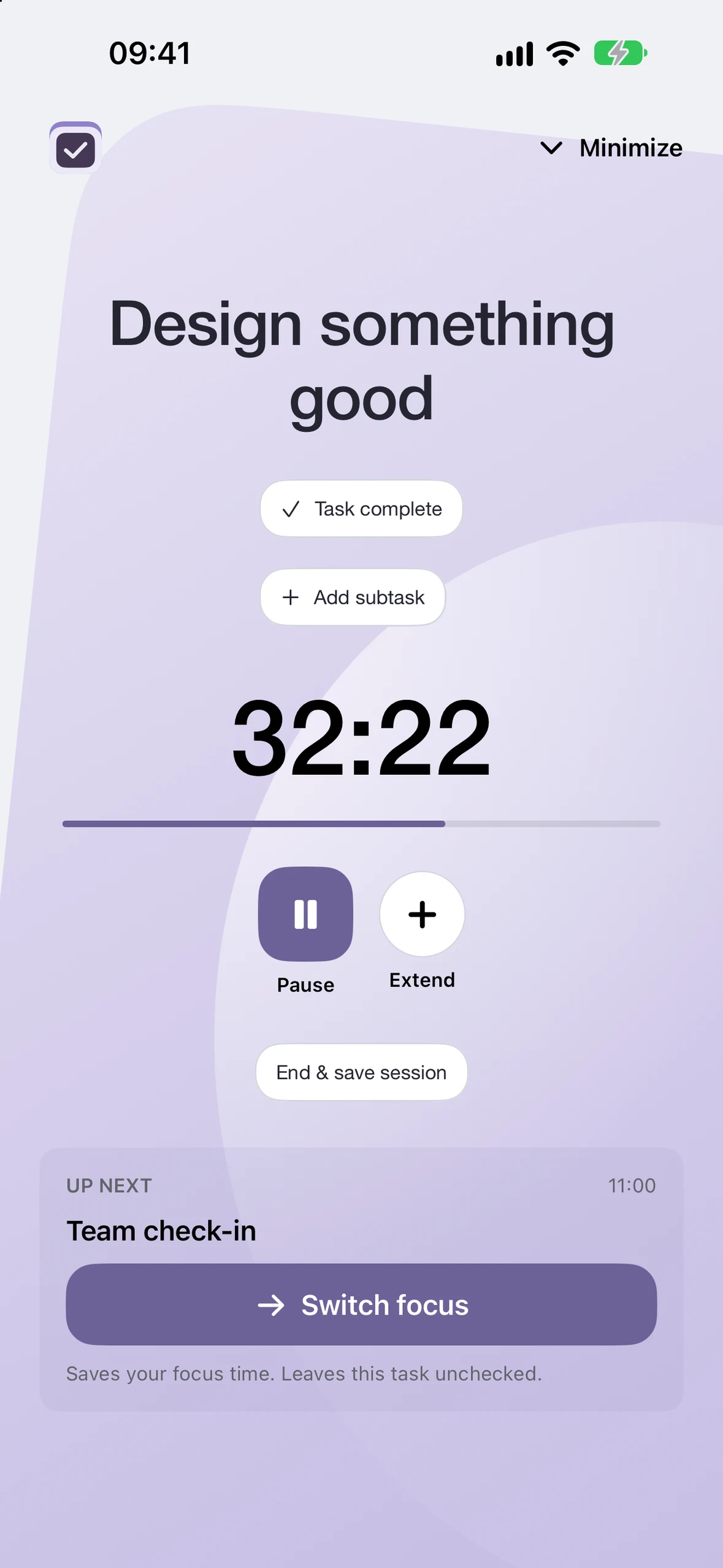
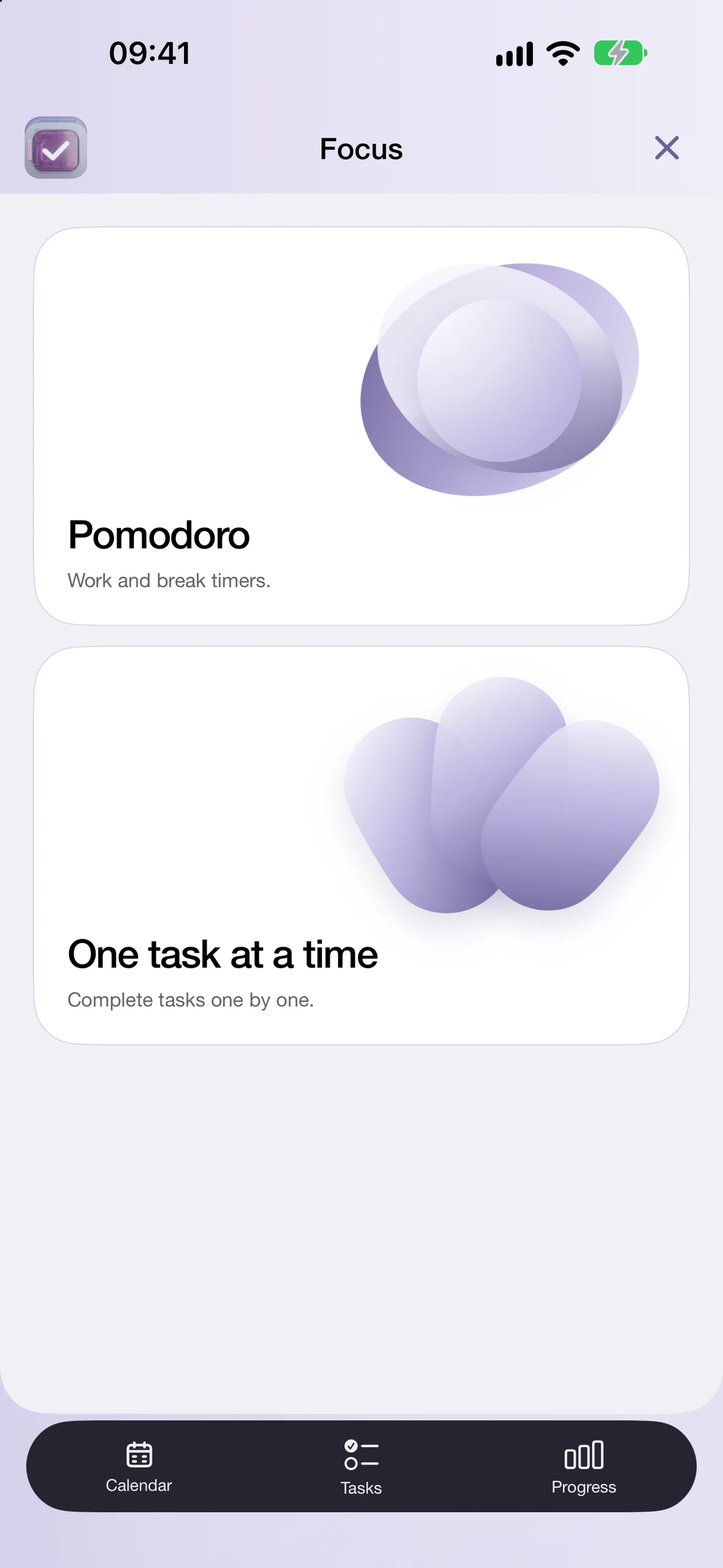
Work in focused sessions with Pomodoro or custom timers. Use One task at a time to work through your list.
PRO

Build your own dashboard around weekly targets, subtask progress and focus time. Link recurring tasks and subtasks so checking off work updates your progress.
Explore Progress cards ↗CalendarFriday, 4 September
4 / 7
See your completed work across the month, with each day filling in as you check things off.
 SeptemberExample · 24 Sep
| M | T | W | T | F | S | S |
|---|---|---|---|---|---|---|
| August 31 | September 1: 6 of 6 tasks complete | September 2: 5 of 6 tasks complete | September 3: 6 of 6 tasks complete | September 4: 4 of 6 tasks complete | September 5: 6 of 6 tasks complete | September 6: 3 of 6 tasks complete |
| September 7: 5 of 6 tasks complete | September 8: 6 of 6 tasks complete | September 9: 4 of 6 tasks complete | September 10: 6 of 6 tasks complete | September 11: 5 of 6 tasks complete | September 12: 2 of 6 tasks complete | September 13: 6 of 6 tasks complete |
| September 14: 4 of 6 tasks complete | September 15: 5 of 6 tasks complete | September 16: 6 of 6 tasks complete | September 17: 3 of 6 tasks complete | September 18: 6 of 6 tasks complete | September 19: 5 of 6 tasks complete | September 20: 4 of 6 tasks complete |
| September 21: 6 of 6 tasks complete | September 22: 4 of 6 tasks complete | September 23: 5 of 6 tasks complete | September 24: 2 of 6 tasks complete | September 25: 0 of 6 tasks complete | September 26: 0 of 6 tasks complete | September 27: 0 of 6 tasks complete |
| September 28: 0 of 6 tasks complete | September 29: 0 of 6 tasks complete | September 30: 0 of 6 tasks complete | October 1 | October 2 | October 3 | October 4 |

Turn on Progress lock to block postponing, unscheduling or deleting work in Done Cal. Protect the setting with an optional PIN.
Yes. Create and schedule tasks, organise them into lists, add subtasks, and check off each step. With Pro, subtasks can also update Progress cards.
Yes. With Pro, build a dashboard with weekly targets, subtask progress, wins, focus time and numbers you want to track. Recurring tasks can update linked weekly targets.
Request an invitation to the browser beta and confirm your email to join the waiting list. We’ll invite testers as places become available. The iPhone and iPad app shown on this page is coming soon.
The app provides a read-only preview. Checking off your own events requires Core or an active Pro subscription. Core is a one-time purchase; Pro is a monthly or annual subscription that includes Core access while active. Download availability and live prices are confirmed in the App Store.
Checkmarks and Progress are currently separate between device calendars and the Done Cal account calendar. See the calendar connection guide for details.
Request an invitation to the browser beta and try it with your own plans. We’ll invite testers as places become available.
Request beta access Already invited? Log in ↗